What Is a Container Tracking Dashboard?
A Container Tracking Dashboard is a reporting view that helps logistics teams monitor container-related activity across shipments, transport jobs, trips, delivery updates, proof of delivery, and reports.
In logistics operations, container tracking is not only about knowing where a container is. It also includes knowing which job the container belongs to, which customer is involved, which trip is active, which driver or equipment is assigned, whether waiting time is increasing, whether proof of delivery is completed, and whether any cost or billing issue needs review.
When this information is managed in separate files or messages, teams may lose visibility. Operations may know the trip status. Documentation may know the shipment detail. Accounting may know the cost. Management may only see the issue after the container job has created delay, demurrage risk, or customer pressure.
Simple definition
A Container Tracking Dashboard helps teams review container status, job progress, delivery updates, POD, waiting time, cost impact, and reports from connected logistics data.
Why Container Tracking Needs Better Visibility
Container tracking needs better visibility because container jobs often involve many teams, many checkpoints, and many cost-sensitive events.
A container may be linked to a shipment, vessel, voyage, port, available date, transport job, driver, equipment, delivery schedule, and proof of delivery. If one update is missed, the next team may act late. A pickup may be delayed. A delivery update may not reach the customer. Waiting time may create extra cost. A demurrage risk may appear before management sees it. An invoice may be prepared without the full job context.
A dashboard helps reduce these gaps by showing container-related work from a clearer operating view. It gives Operations a way to review active jobs and exceptions. It gives Management a way to monitor workload and service risk. It gives Accounting better context when cost, invoice, and job profit are affected.
The business risk
The main risk is not only losing track of a container. The bigger risk is losing control of the job, cost, delivery update, and report behind that container.
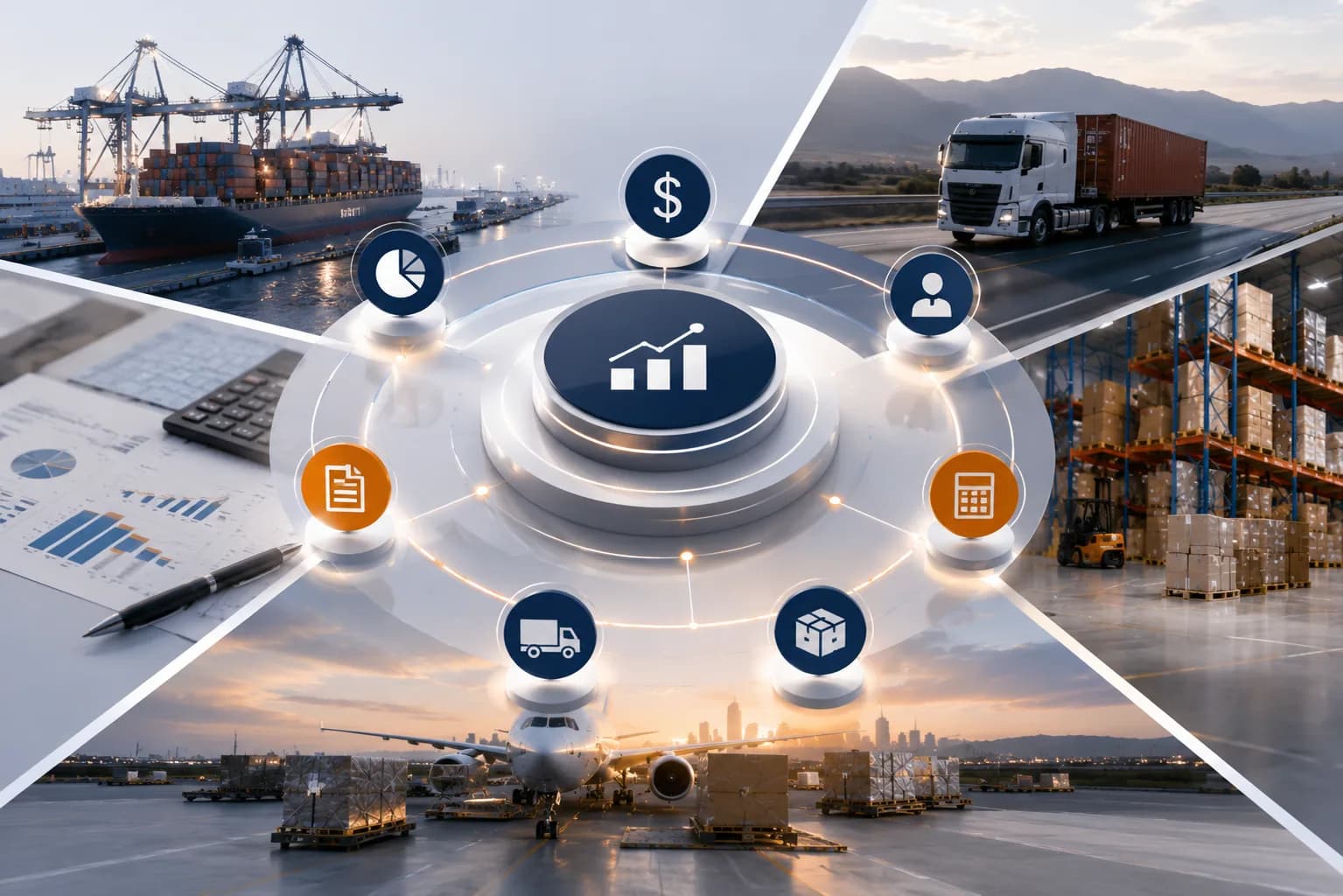
How Apollogix Supports Container Tracking Workflows
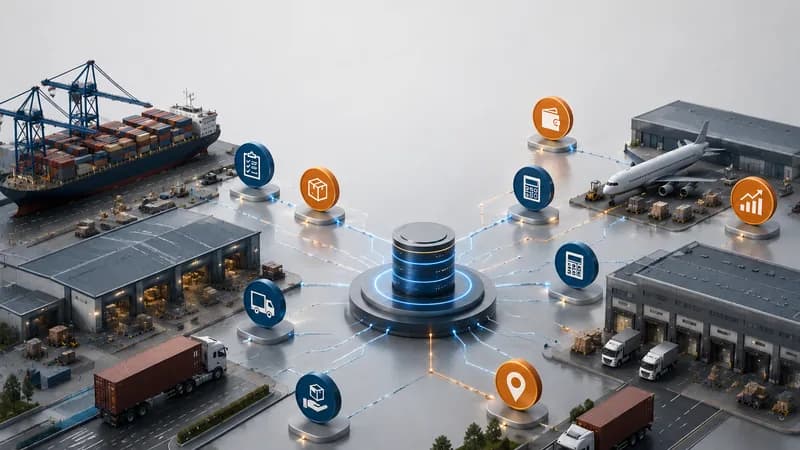
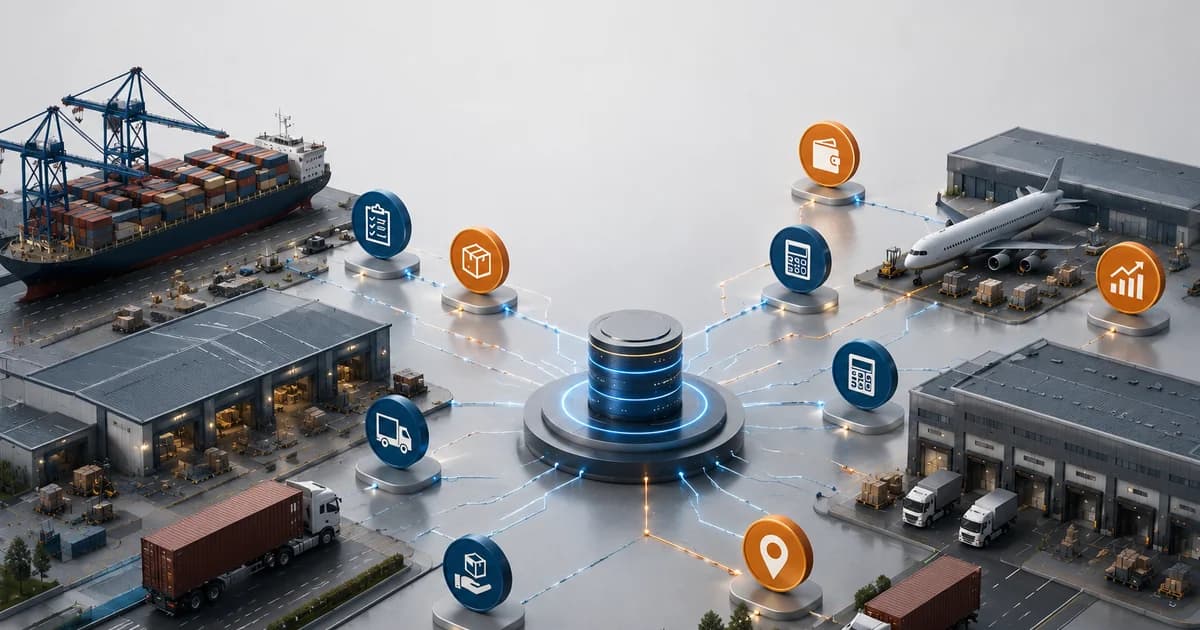
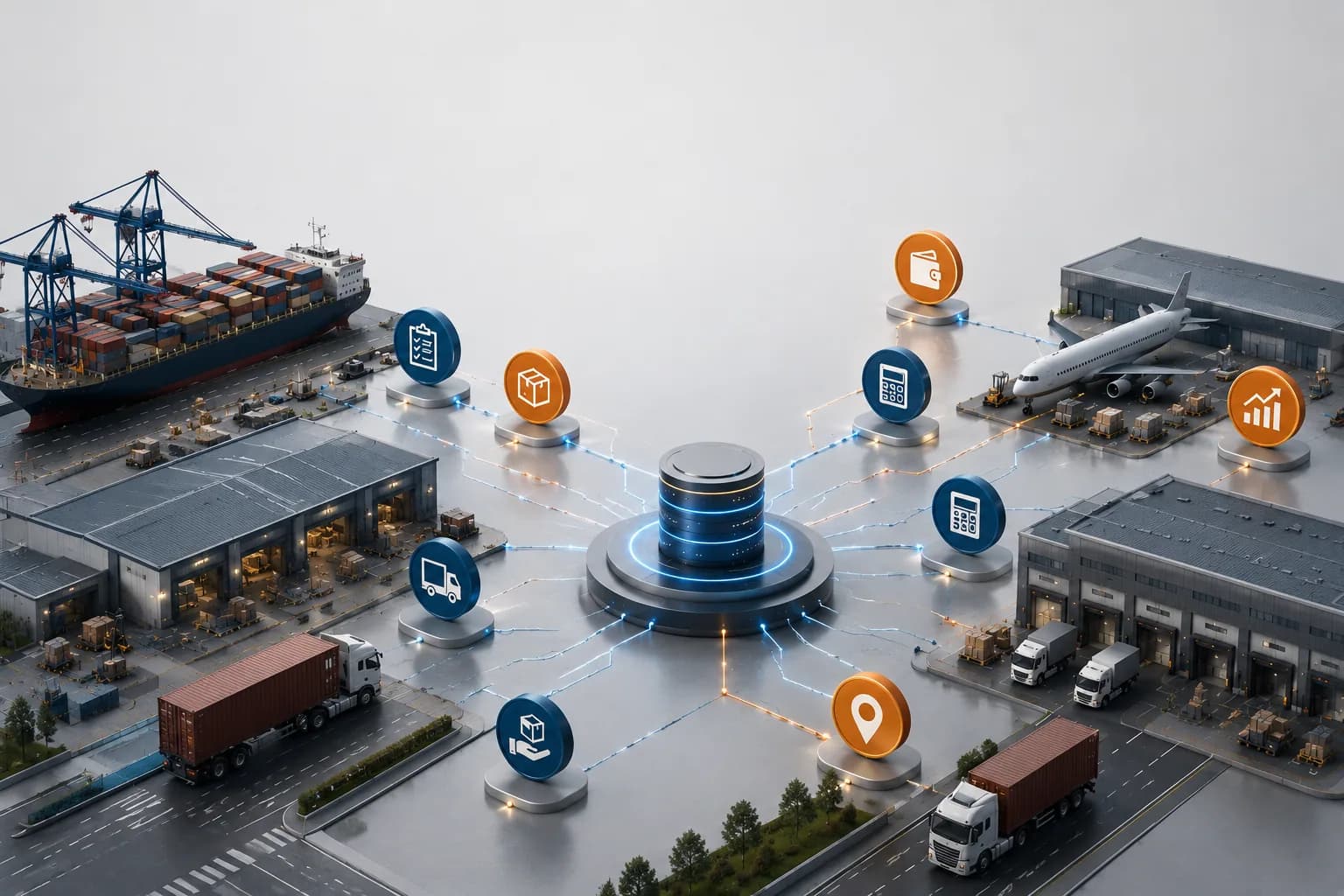
Apollogix supports container tracking workflows by connecting TMS and FMS data across transport jobs, shipments, trips, dashboards, notifications, accounting, and reports.
In Apollogix TMS, Transport Job helps teams manage job status, job type, customer reference, vessel and voyage information, ports, ETD, ETA, available date, and job history. Operation workflows help teams plan schedules, allocate drivers, manage trips, and track progress. Dashboard views help management review jobs, containers, trips, drivers, and equipment by status.
TMS workflows also support waiting time, trip summary, container demurrage summary, proof of delivery, and operational notifications. These data points help teams review container movement together with operational risk and cost context.
In Apollogix FMS, shipment and job order workflows help freight forwarding teams connect customer data, shipment records, service tasks, accounting data, invoices, and reports.
Where the value appears
The value appears when container job, shipment, trip, driver, equipment, POD, waiting time, demurrage, cost, and report data stay connected.
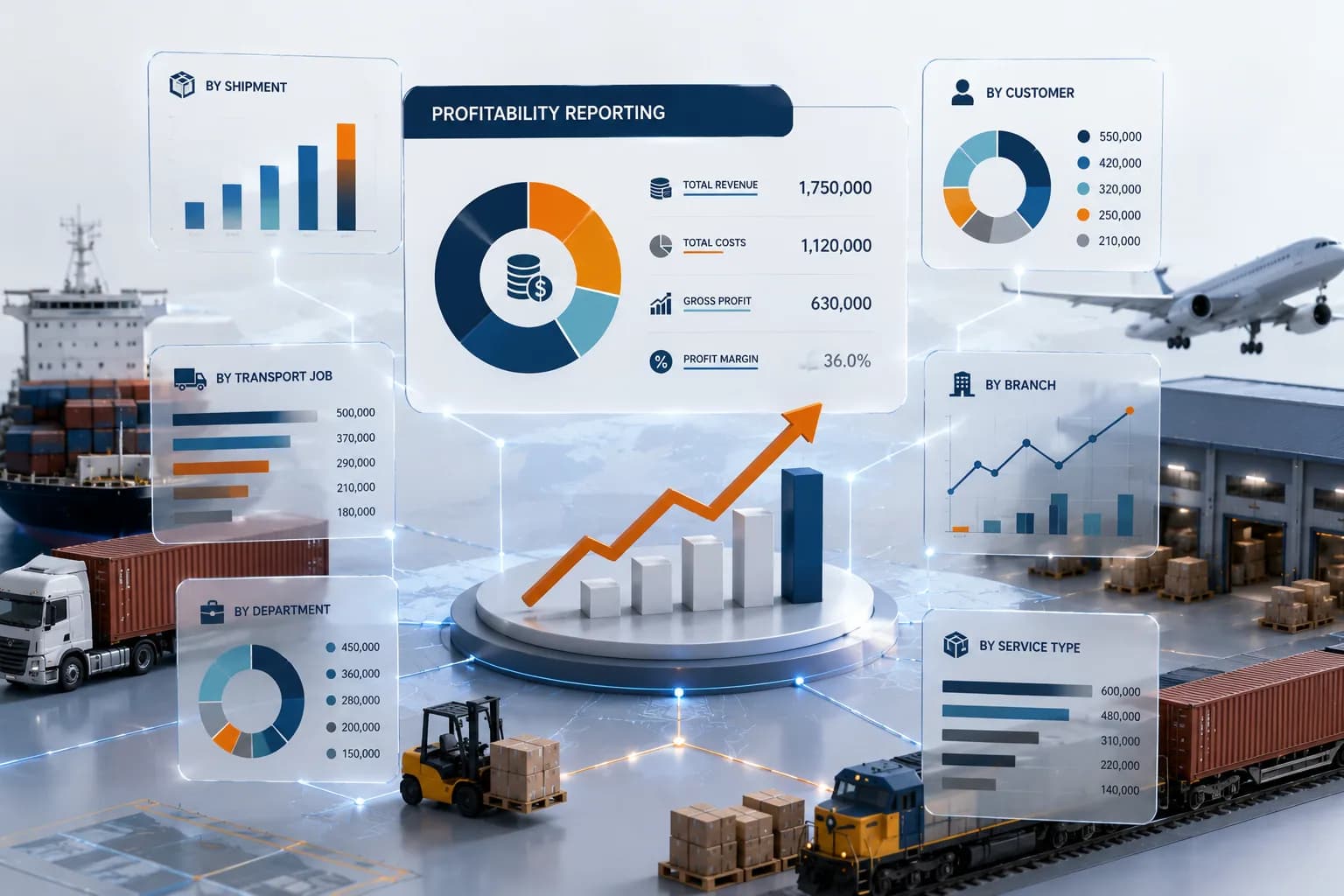
Which Companies Need a Container Tracking Dashboard?
Companies that manage many containers, shipments, transport jobs, port activities, delivery commitments, customer updates, invoices, and reports need a Container Tracking Dashboard most.
The need becomes clear when management cannot answer daily questions quickly. Which containers are active? Which jobs are delayed? Which trips are waiting? Which deliveries need POD review? Which containers may create demurrage risk? Which customers need updates? Which costs still need confirmation?
Container trucking companies need this dashboard when port activity, driver allocation, waiting time, and demurrage risk affect job performance. Freight forwarders need it when shipment, service, transport, cost, and invoice data must stay connected. 3PL companies need it when container movement, customer updates, and billing events move across several teams.
For COO teams, the dashboard reduces blind spots in daily execution. For CFO teams, it connects container activity with cost, revenue, receivables, payables, and job profit.