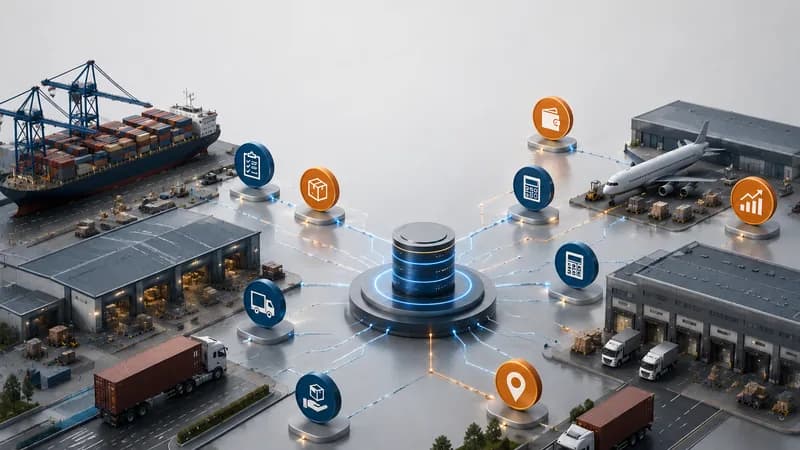
What Does Dashboard Automation Mean in Logistics?
Dashboard Automation means reducing manual reporting work by connecting operational data into dashboard views.
In logistics, automation should not only mean replacing people or making every decision automatically. A practical dashboard automation workflow helps teams collect and review data from shipments, transport jobs, trips, drivers, equipment, services, costs, invoices, notifications, and reports.
Without this structure, teams may need to rebuild updates manually every day. Operations may update shipment or trip status. Accounting may update cost and invoice records. Management may ask for reports. Customer service may need delivery updates. If these updates are not connected, the dashboard may show incomplete information.
Dashboard automation helps teams review the same operating picture with less repeated data checking.
Simple definition
Dashboard Automation helps logistics teams connect job, shipment, trip, service, cost, invoice, notification, and report data into usable dashboard views.
Why Dashboard Automation Matters
Dashboard Automation matters because logistics reporting often depends on many small updates from many teams.
A shipment may be active while a service task is still open. A transport job may be delayed while the customer is waiting for an update. A trip may create waiting time. A proof of delivery may still need review. A vendor cost may be added late. An invoice may be waiting for confirmation. A report may look correct while the source data is still changing.
If teams use manual reporting, these updates can be missed or delayed. The result is not only extra admin work. It can also create unclear handovers, slower decisions, and weaker visibility into service performance and cost impact.
Better dashboard automation gives teams a clearer way to review daily activity, exception, workload, and financial context from connected data.
The business value
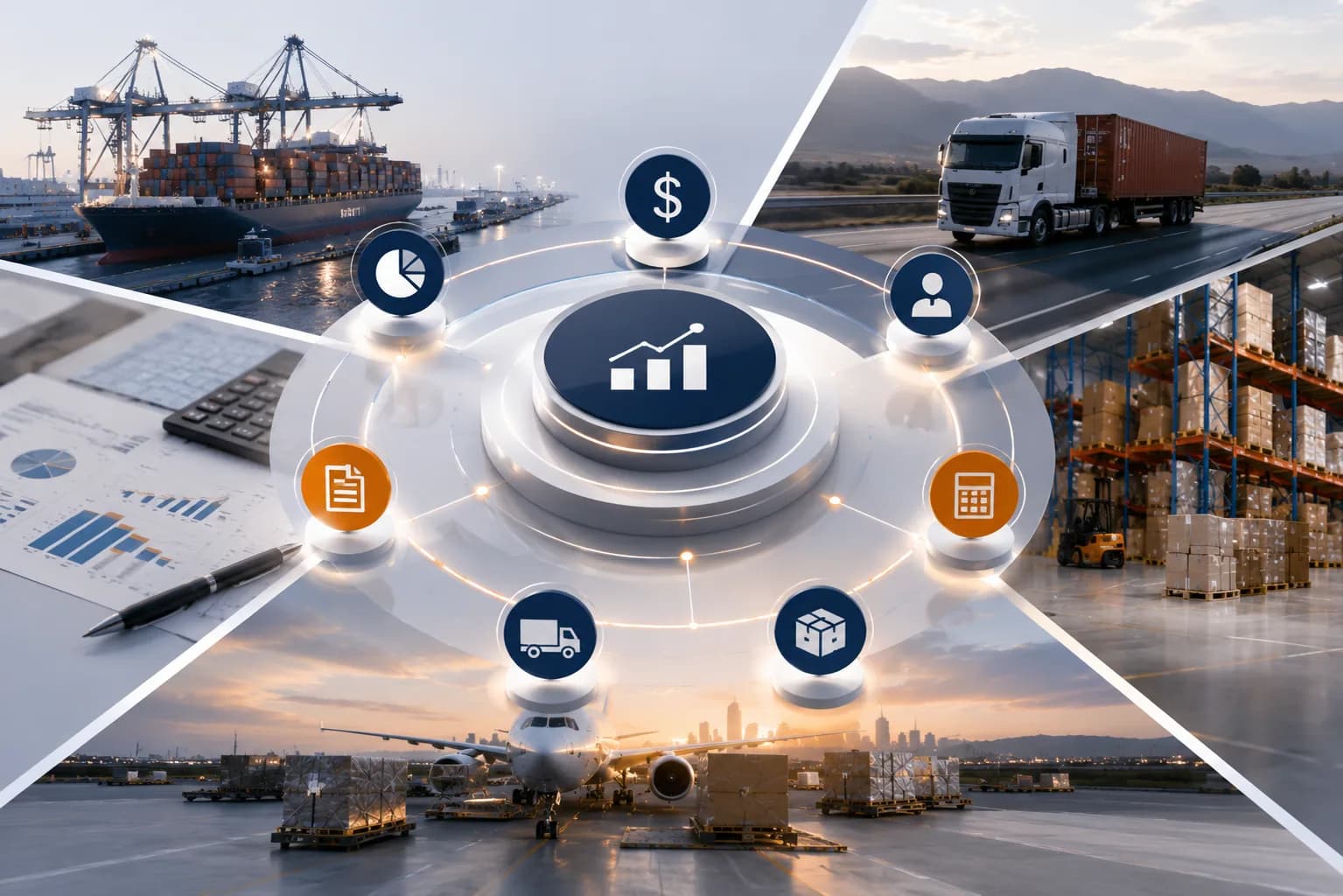
The value is not only saving time. The value is helping teams reduce reporting gaps that affect operations, customer updates, billing, and management decisions.
How Apollogix Supports Dashboard Automation Workflows
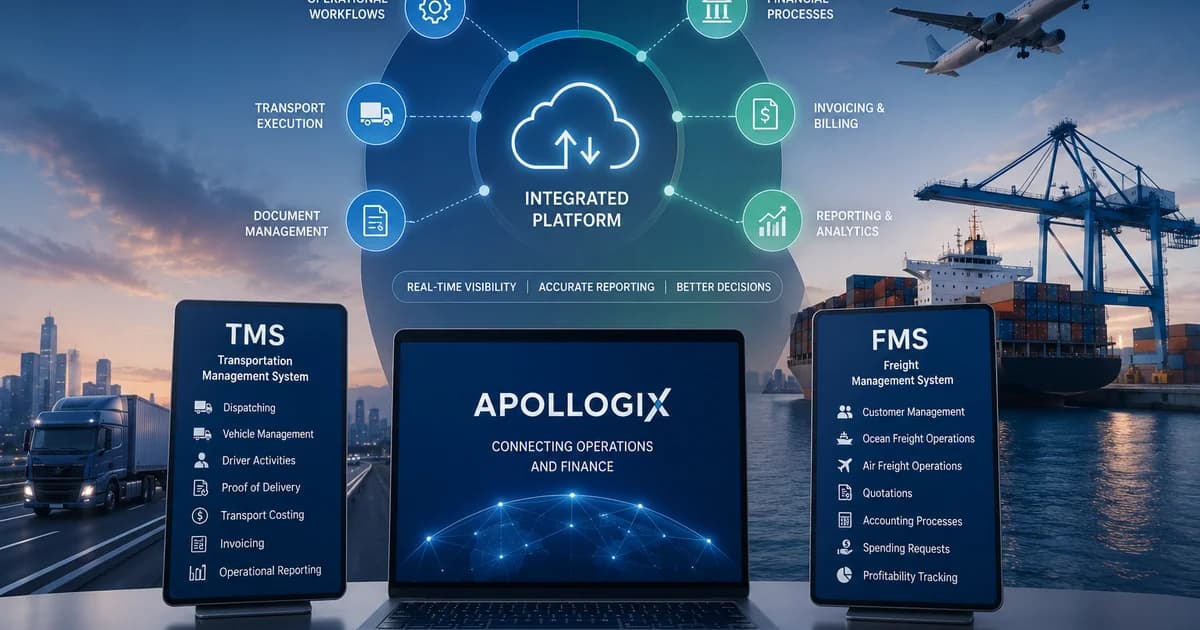
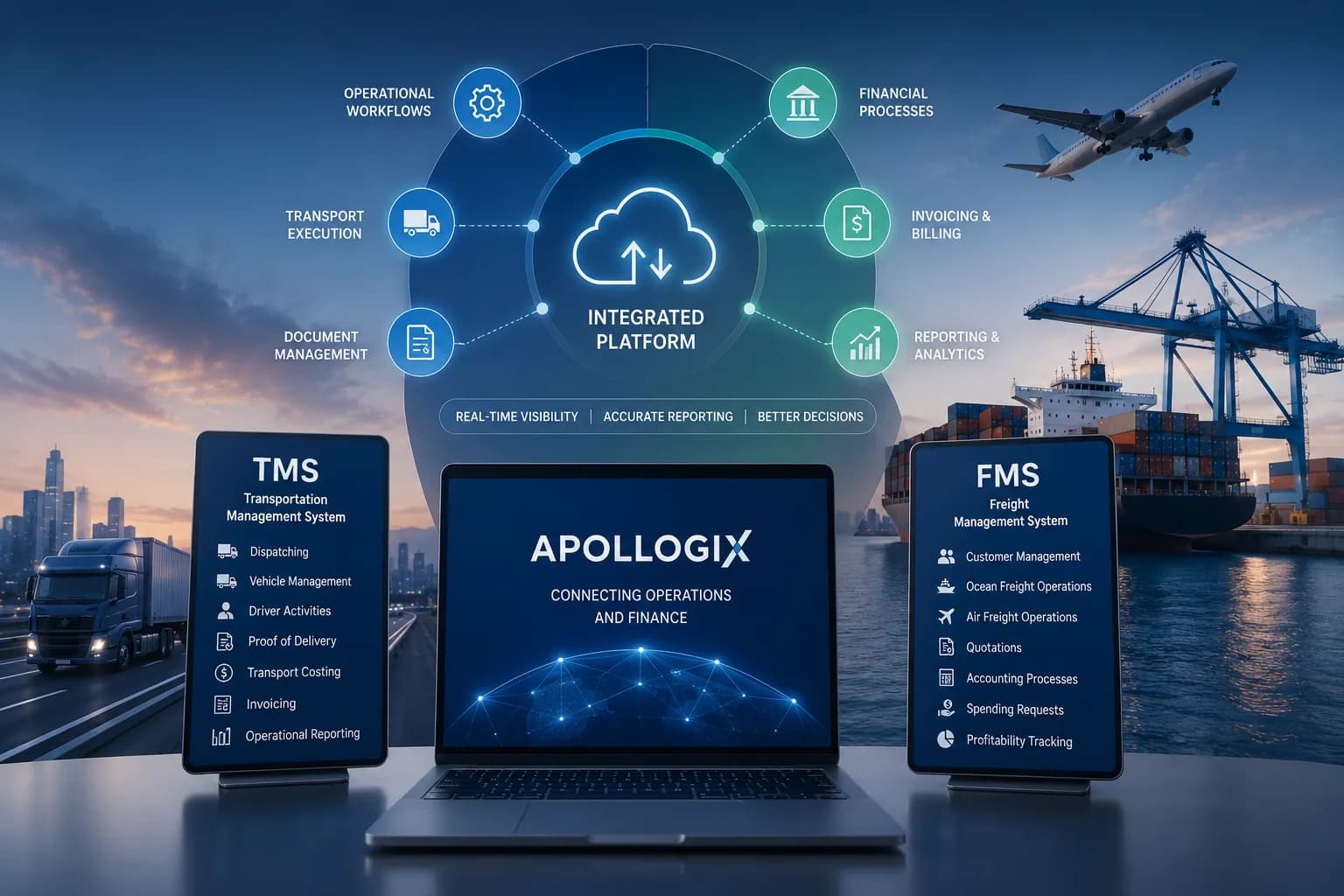
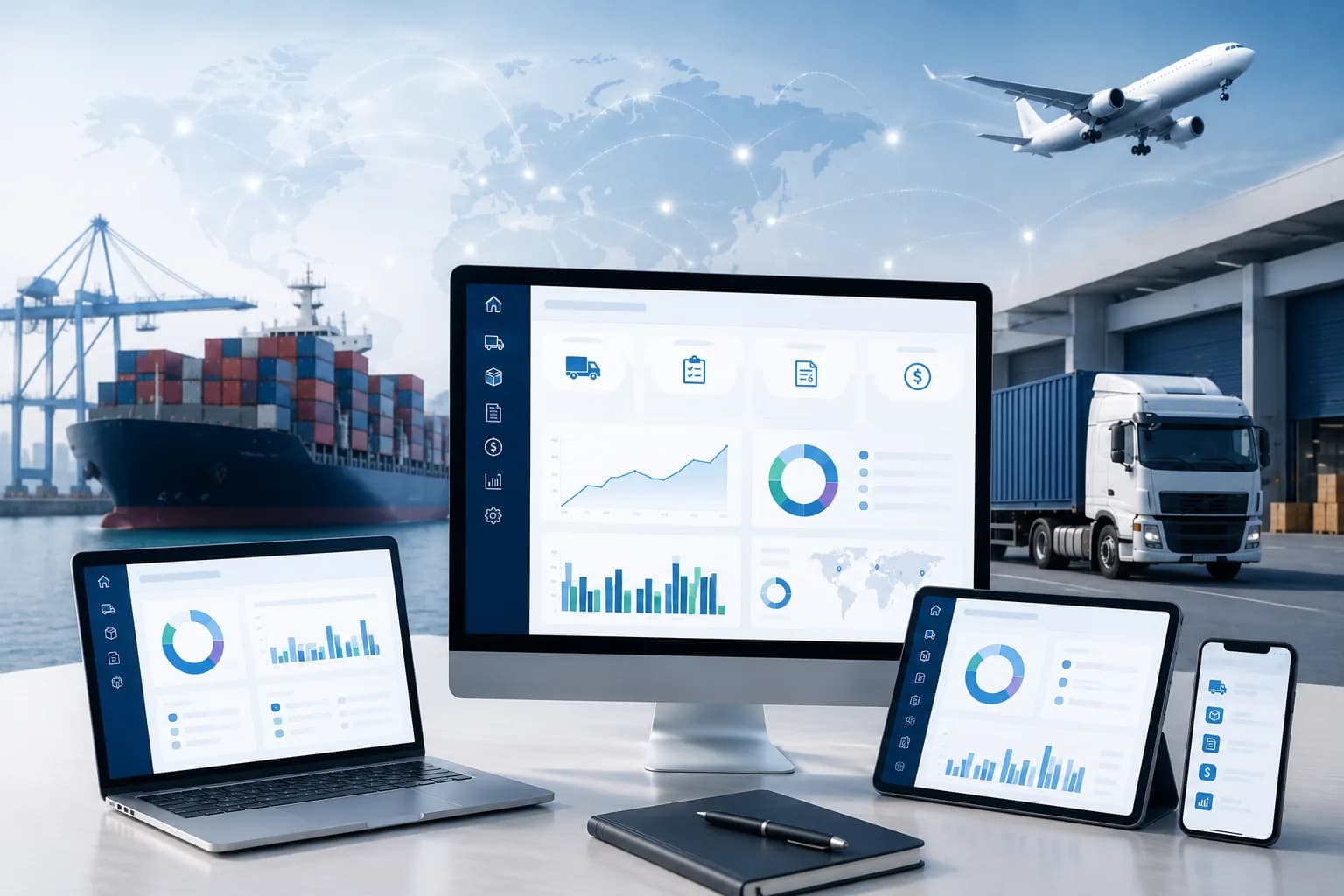
Apollogix supports dashboard automation workflows by connecting TMS and FMS data across transport, freight forwarding, service, accounting, notifications, and reports.
In Apollogix TMS, dashboard views help teams review jobs, containers, trips, drivers, and equipment by status. TMS workflows can also support transport jobs, operation planning, driver allocation, trip progress, waiting time, trip summary, proof of delivery, container demurrage summary, accounting, notifications, and reports.
In Apollogix FMS, dashboard views help teams review shipment activity, service status, job order progress, and operational notifications. FMS workflows can connect customer data, ocean freight, air freight, shipments, quotations, job orders, bookings, services, pricing, accounting, spend requests, invoices, and reports.
This structure helps logistics teams reduce manual dashboard preparation because the dashboard can be built from workflow records that teams already manage.
Where the value appears
The value appears when shipment, job, trip, service, POD, cost, invoice, notification, and report data can be reviewed without rebuilding reports manually.
Which Companies Need Dashboard Automation Most?
Companies that manage many shipments, transport jobs, containers, service tasks, delivery updates, vendors, costs, invoices, notifications, and reports need Dashboard Automation most.
The need becomes clear when teams spend too much time preparing reports instead of reviewing issues. Which shipments are active? Which jobs are delayed? Which services are still open? Which deliveries need POD review? Which costs are waiting for confirmation? Which invoices are pending? Which reports show workload or margin pressure?
Transport companies need dashboard automation when job status, driver allocation, equipment readiness, waiting time, delivery updates, and billing must stay connected. Freight forwarders need it when shipment, service, quotation, booking, cost, invoice, and report data must be reviewed together. 3PL providers need it when service execution and billing move across several teams.
For COO teams, dashboard automation reduces blind spots in execution. For CFO teams, it connects service performance with cost, revenue, receivables, payables, and job profit.