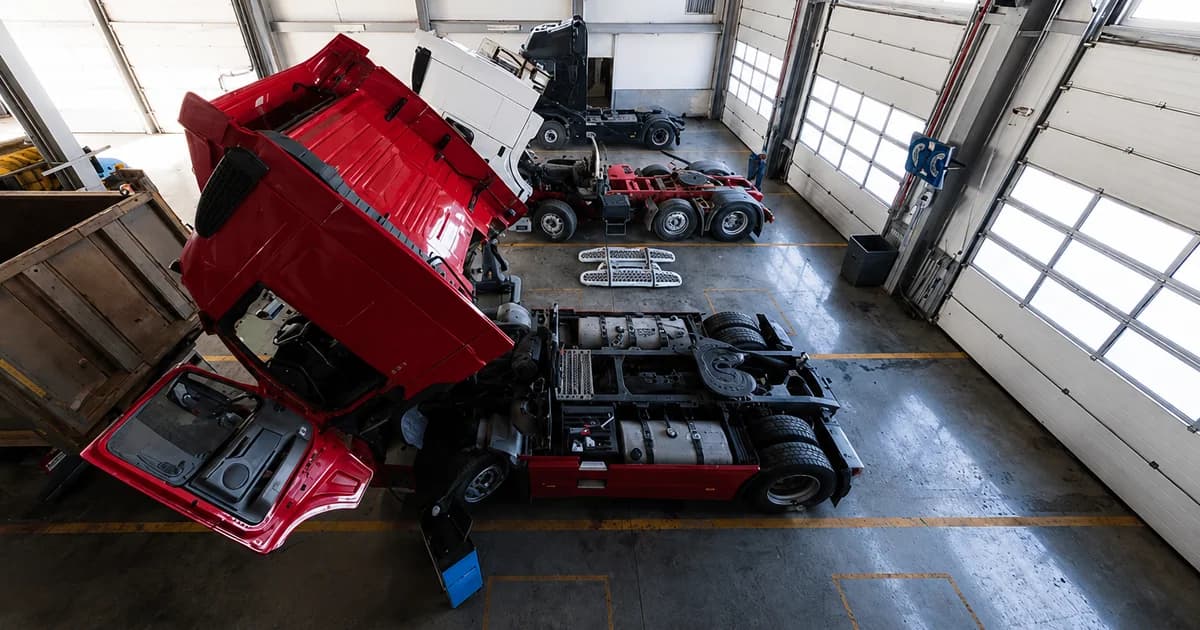
A garage management system for logistics operations helps transport companies manage fleet workshop activity, vehicle readiness, trailer status, faulty reports, maintenance tasks, repair progress, equipment availability, cost records, dashboard, and management reports. In logistics operations, garage management is closely related to workshop control and fleet maintenance. It focuses on whether vehicles, trailers, and equipment combinations are ready for daily transport jobs. When garage data is disconnected from dispatch planning, teams may assign vehicles that are still under repair, use trailers with unresolved issues, or discover equipment problems too late.
What Is a Garage Management System for Logistics Operations?
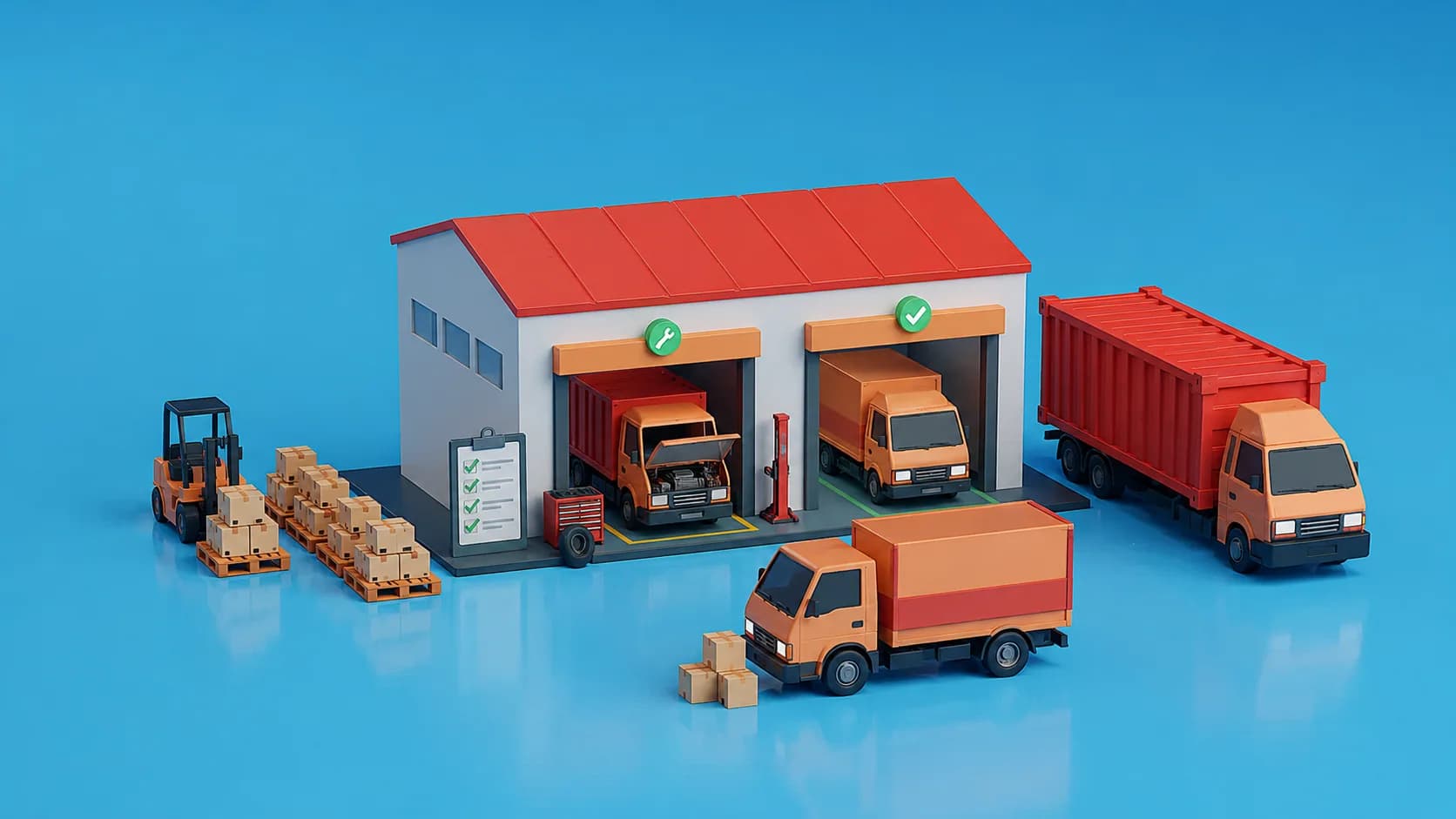
A garage management system for logistics operations is a workflow that helps companies control workshop activity, fleet maintenance, equipment status, repair history, and the operational impact of vehicle or trailer issues.
Garage Management and Fleet Readiness
Garage management supports fleet readiness by showing whether vehicles, trailers, and equipment combinations are available, faulty, inactive, under maintenance, or ready for assignment. For a transport company, this visibility is important before every dispatch decision. A transport job may be confirmed, a driver may be available, and a customer may be waiting, but the job cannot move if the vehicle or trailer is not ready.
Core Data to Control
The core data should include vehicle records, trailer records, equipment combinations, faulty reports, maintenance plans, repair progress, downtime, cost records, and equipment status for dispatch planning.
Why Garage Data Should Connect With Transport Operations
Garage data should connect with transport operations because equipment readiness directly affects dispatch planning. If the garage team updates maintenance status in a separate file, dispatchers may not see the latest equipment condition. This creates last-minute changes, delayed trips, repeated communication, and weaker service reliability. A connected workflow helps operations, dispatch, drivers, workshop teams, and management work from the same equipment status.
Why Do Logistics Companies Need Garage Management Software?
Logistics companies need garage management software because manual workshop tracking creates unclear vehicle status, slow repair follow-up, weak maintenance visibility, and poor coordination between workshop and dispatch teams.
Manual Workshop Tracking Creates Operational Gaps
Many logistics companies still manage workshop updates through notebooks, spreadsheets, calls, and internal messages. This makes it difficult to know which vehicle is ready, which trailer is under repair, which fault is still open, and which asset should not be assigned to a trip. These gaps can affect daily transport execution. A dispatcher may plan a trip before knowing that the vehicle is not ready. A driver may wait because a repair is not completed. Management may only notice repeated issues after they have already affected customer delivery.
Equipment Readiness Supports Dispatch Planning
Dispatch planning depends on reliable equipment data. Before assigning a trip, the team needs to know which vehicles, trailers, and equipment combinations are available. If a vehicle is under maintenance or a trailer has an unresolved fault, that information should be visible before allocation. This helps the company reduce last-minute plan changes and improves the accuracy of daily transport planning.
Maintenance Visibility Supports Cost Control
Maintenance activity affects operating cost. Delayed repairs, repeated faults, emergency repairs, long downtime, and poor maintenance planning can increase cost and reduce transport capacity. A garage management system helps management review repair history, maintenance frequency, equipment downtime, service cost, and repeated issues. This gives leaders a clearer view of how garage performance affects transport operations and financial results.
What Workflows Should Garage Management Include?
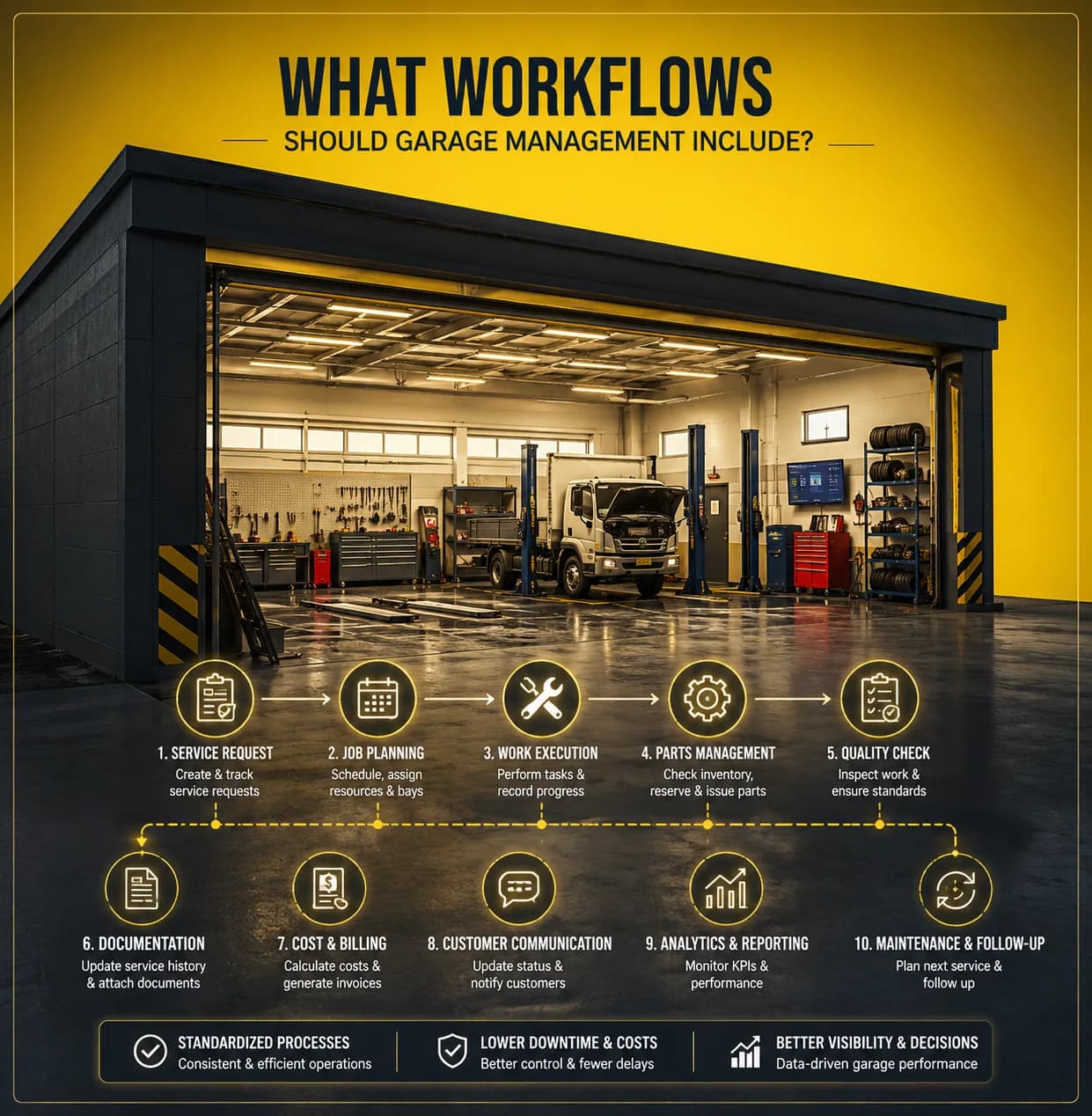
A garage management system should include vehicle records, trailer records, equipment status, faulty reports, maintenance planning, repair progress, cost records, dispatch visibility, dashboard, and reporting.
Vehicle and Trailer Records
The workflow should start with clear vehicle and trailer records. Each record should include equipment code, registration data, equipment type, ownership information, technical details, operating status, and usage history. Clean equipment records help dispatch, maintenance, accounting, and reporting teams work from the same source of data.
Faulty Reports
Faulty reports help companies record issues found by drivers, operations teams, or garage teams. Each report should include the related equipment, issue description, report date, responsible person, repair status, attachments when needed, and closing result. This gives the company better traceability from issue reporting to repair completion.
Maintenance Planning
Maintenance planning helps teams schedule inspections, preventive maintenance, repair tasks, and follow-up work. A good maintenance workflow helps reduce unexpected breakdowns and gives dispatchers a clearer view of future equipment availability. Maintenance planning is not only a technical process. It affects dispatch planning, delivery reliability, customer service, and cost control.
Repair Progress and Cost Records
A garage management system should help teams track repair progress, expected completion, actual completion, spare part cost, vendor cost, internal notes, and related accounting records. This helps management understand whether repair work is delayed, whether equipment downtime is increasing, and whether maintenance cost is affecting transport profitability.
How Does Apollogix Support Garage Management for Logistics?
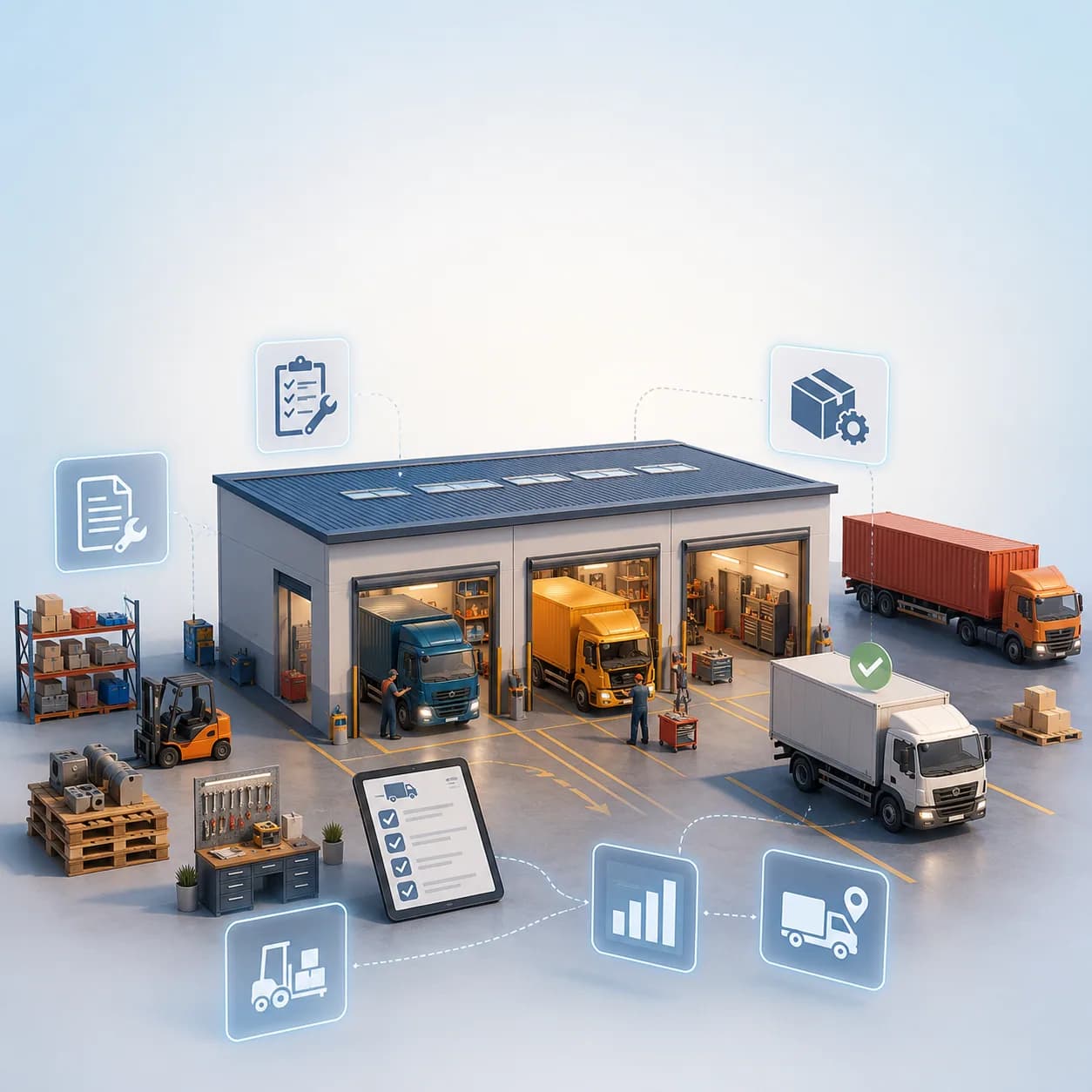
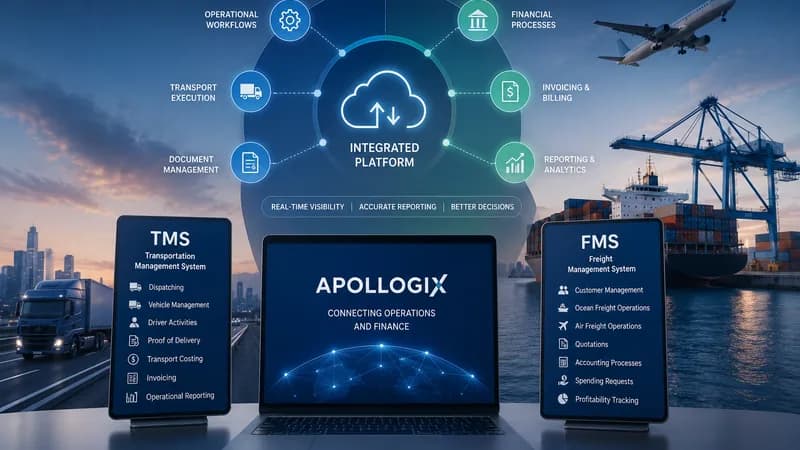
Apollogix supports garage management through connected TMS workflows for equipment management, faulty reports, maintenance, operations, driver updates, accounting, dashboard, and reporting.
Equipment Management in Apollogix TMS
Apollogix TMS helps transport teams manage vehicles, trailers, and equipment combinations. This supports garage management because dispatch and operations can work from clearer equipment status data. When equipment records are connected with transport jobs and operations, teams can avoid assigning faulty or unavailable equipment to active trips.
Faulty Report and Maintenance Workflows
Apollogix TMS supports faulty report and maintenance workflows. These workflows help teams record equipment issues, follow repair progress, review maintenance history, and understand equipment readiness. This is important because workshop information should not stay separate from transport planning.
Driver Updates and Operational Visibility
Drivers are often the first people to notice equipment issues during daily operations. Driver updates, failed trip records, and delivery status can help office teams understand how equipment problems affect transport execution. When driver updates connect with the correct job and equipment record, management can review both the operational issue and its business impact.
Dashboard, Accounting, and Reporting
Apollogix TMS connects operations with dashboard, accounting, and reporting workflows. Management can review jobs, trips, drivers, vehicles, trailers, waiting time, proof of delivery, costs, invoices, and equipment-related issues. This helps leaders understand how garage performance affects dispatch planning, delivery reliability, operating cost, and reporting quality.
What Should Leaders Check Before Choosing a Garage Management System?
Leaders should check whether the system connects garage data with daily transport operations, not only whether it stores maintenance records.
Check Equipment Status Accuracy
The system should show accurate vehicle and trailer status. Dispatchers need to know whether equipment is ready, faulty, inactive, unavailable, or under maintenance before assigning trips.
Check Fault Traceability
The system should allow each issue to be traced from fault report to repair completion. A good workflow should show who reported the issue, who handled it, what action was taken, and when the equipment became available again.
Check Dispatch Connection
The system should allow dispatch planning to use garage data. If dispatchers still need to call the workshop before assigning every trip, the workflow is not connected enough.
Check Maintenance Reporting
Reports should help management review repair history, repeated faults, downtime, maintenance cost, available equipment, and service impact. Reporting should support operational decisions, not only store records.
When Does a Logistics Company Need Garage Management Software?
A logistics company needs garage management software when fleet size, repair activity, maintenance tasks, dispatch changes, and equipment downtime become difficult to manage manually.
Fleet Size Is Increasing
When the number of vehicles and trailers increases, manual tracking becomes unreliable. More equipment means more maintenance events, more fault reports, more inspection tasks, and more coordination between workshop and operations.
Dispatch Changes Happen Too Often
If trips are frequently changed because vehicles or trailers are not ready, the company needs better garage visibility. A connected workflow helps detect equipment conflicts earlier.
Repairs Are Hard to Track
If the team cannot quickly see which repair is open, who is responsible, and when the vehicle will be ready, garage management needs more structure.
Management Needs Better Equipment Reporting
If leaders cannot review downtime, repeated faults, maintenance cost, repair progress, and available fleet capacity clearly, the company needs a stronger garage management workflow.