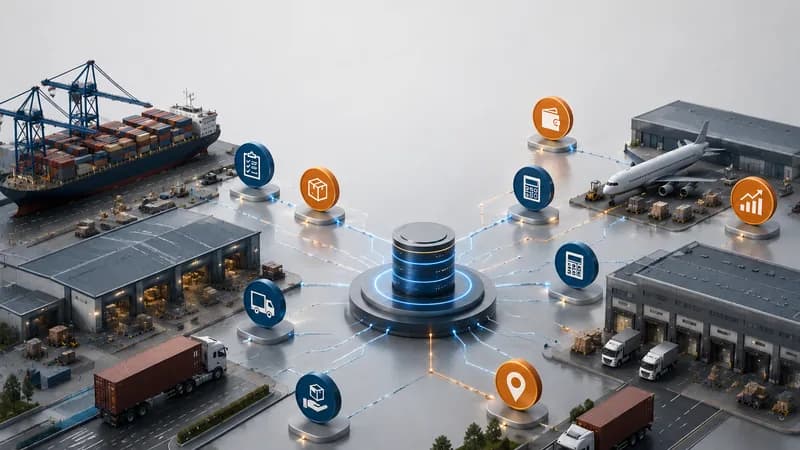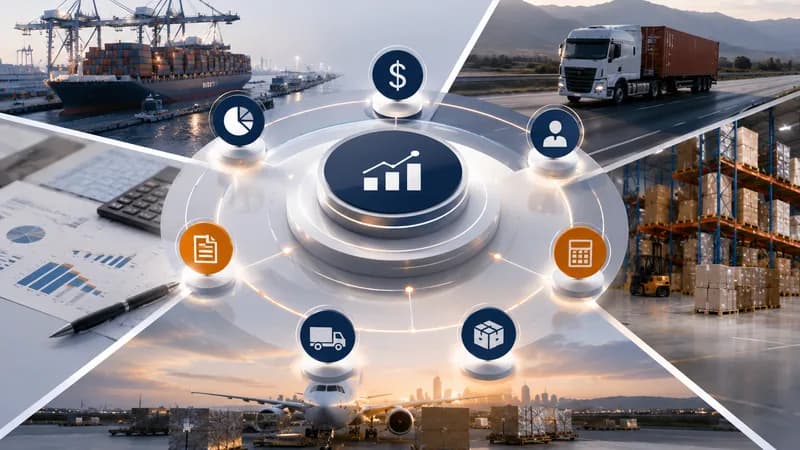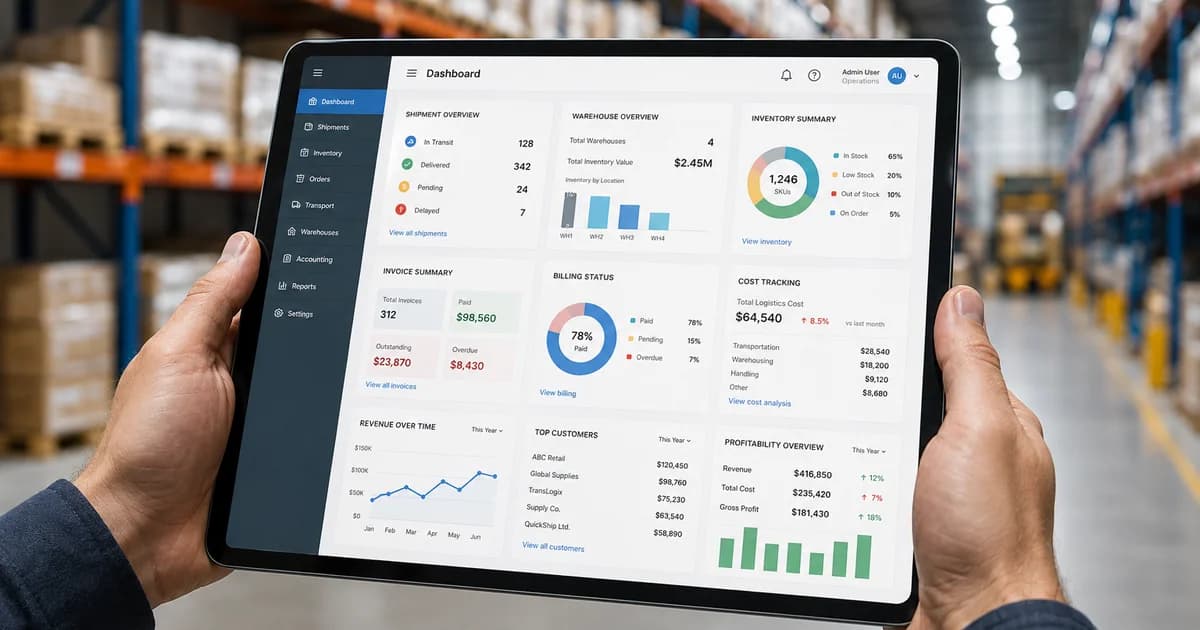
Logistics software with an integrated accounting dashboard helps logistics companies connect operational data with financial data in one management view. It allows managers to review transport jobs, shipments, trips, services, invoices, revenue, costs, accounts receivable, accounts payable, payment status, dashboard data, and reports without rebuilding information from separate files. In logistics operations, an accounting dashboard is useful only when financial records can be traced back to the job, shipment, service, trip, customer, vendor, or charge item that created them. When operations and accounting work separately, a completed job may still be financially incomplete.
What Is Logistics Software with an Integrated Accounting Dashboard?
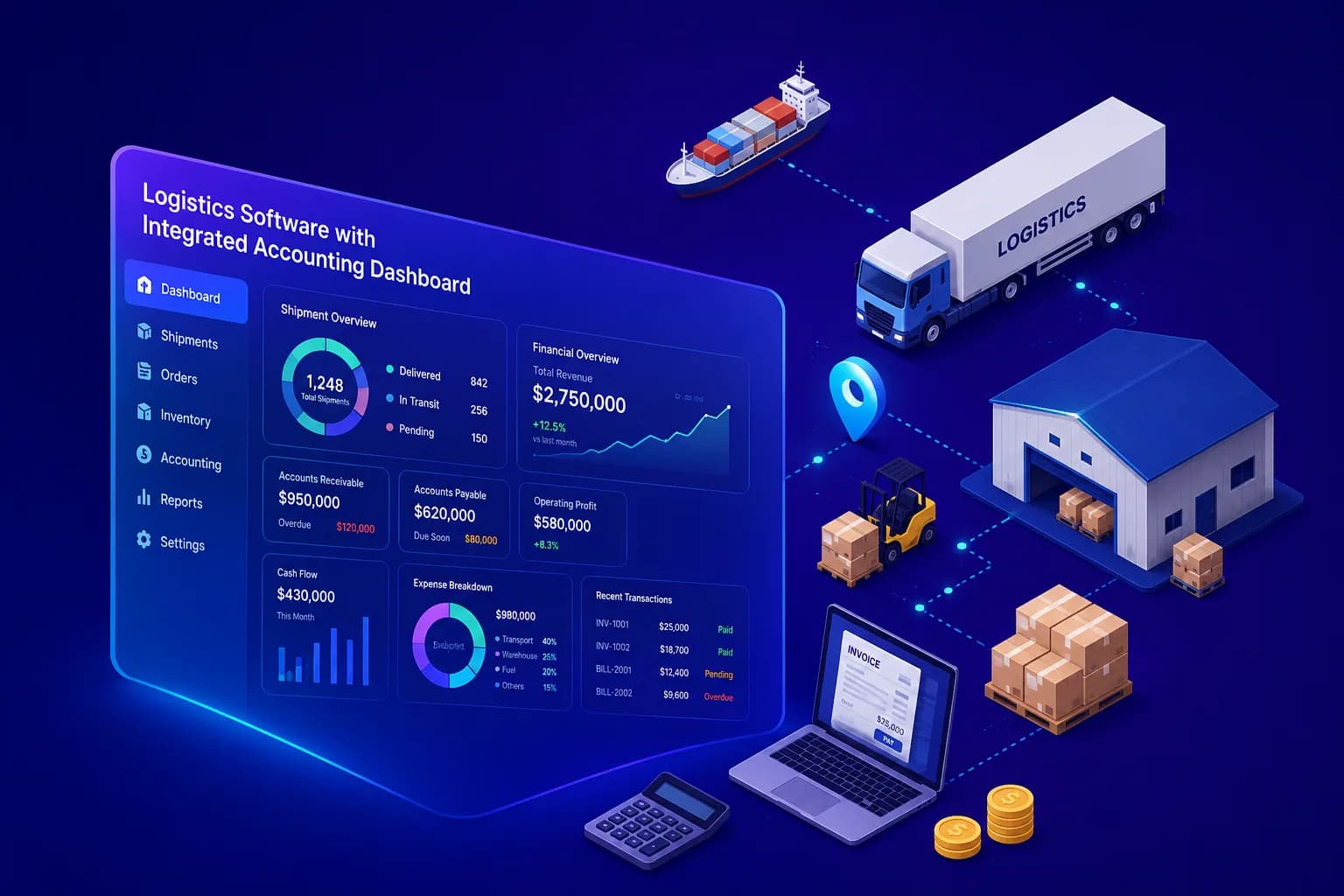
Logistics software with an integrated accounting dashboard is a system that connects logistics workflow data and accounting data so management can review operations and finance from the same source of information.
Connecting Operations and Finance
The dashboard should not only show charts. It should connect each financial number with the operational record behind it. For a transport company, this may include transport jobs, operation plans, trips, drivers, equipment, invoices, receivables, payables, and reports. For a freight forwarding company, this may include job orders, shipments, services, booking data, costing, invoices, receivables, payables, spending requests, profit, and reports.
The Main Value of the Dashboard
The main value is traceability. If a cost appears on the dashboard, managers should understand which job, shipment, service, trip, customer, vendor, or charge item created it. If an invoice is pending, the team should know which operational file is still missing cost confirmation, proof of delivery, service completion, or supporting documents.
Why the Dashboard Must Connect Daily Workflow
A dashboard becomes useful when it reflects daily workflow status. A completed transport job may still wait for proof of delivery. A shipment may still wait for cost confirmation. A service may still wait for billing review. When these statuses are visible, managers can see both operational progress and financial readiness.
Why Should Logistics and Accounting Dashboards Be Connected?
Logistics and accounting dashboards should be connected because revenue, cost, invoice, and payment records come from real logistics work. A finance number without operational context is difficult to review, and an operational file without accounting status is not complete from a management point of view.
Separate Reporting Creates Timing Gaps
When operations and accounting use separate files, timing gaps appear. Operations may confirm that a trip or shipment is completed, while accounting still waits for cost confirmation or invoice details. This can delay billing, payment review, and profit reporting.
Separate Data Creates Context Gaps
A vendor cost may appear in accounting, but the finance team may not immediately know whether it belongs to a shipment, service, trip, job, or overhead item. This creates extra follow-up between operations and finance.
Management Needs One Operating View
Management needs a connected view of operational progress and financial status. Leaders should be able to review active jobs, completed shipments, pending invoices, open receivables, payables, revenue, costs, and profit without asking each department to rebuild its own report.
What Should the Dashboard Show for Transport Operations?
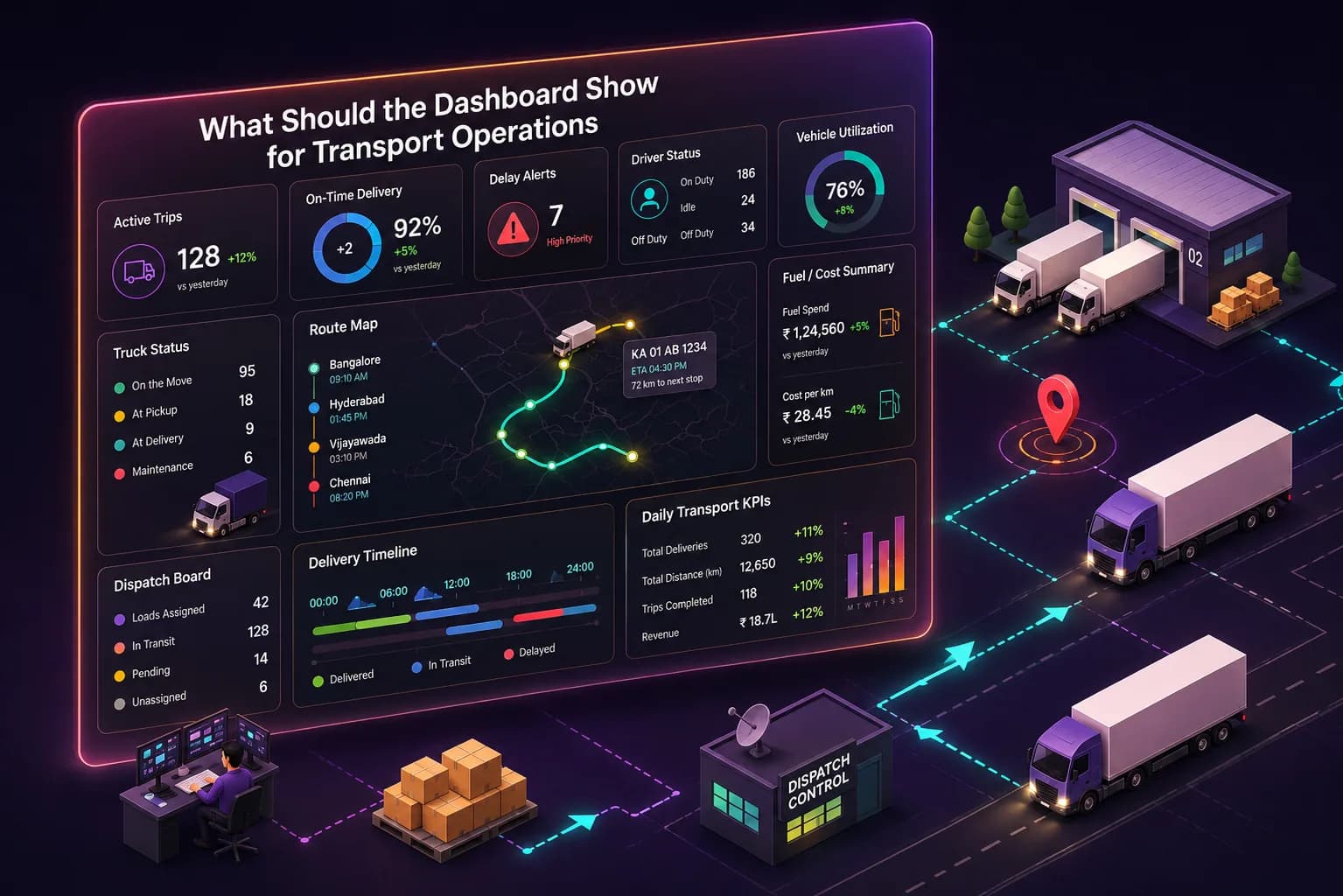
For transport operations, the dashboard should show transport jobs, trips, drivers, vehicles, trailers, waiting time, proof of delivery, invoice status, revenue, costs, accounts receivable, accounts payable, and report filters by time period.
Transport Job and Trip Visibility
A transport dashboard should help managers review job status, daily operations, planned trips, active trips, completed trips, driver updates, vehicle readiness, trailer readiness, and delivery status. This helps operations understand whether transport execution is moving normally or waiting for action.
Transport Cost and Invoice Status
Transport accounting data should connect revenue, transport costs, extra charges, invoices, receivables, and payables with the correct transport job or trip. This helps finance review billing readiness and helps management understand whether completed transport work has moved into financial follow-up.
Apollogix TMS Dashboard and Accounting View
Apollogix TMS supports transport jobs, operations, rate management, equipment management, accounting, dashboard, and reporting. This helps transport teams connect job execution with revenue, costs, invoices, receivables, payables, driver activity, equipment status, waiting time, proof of delivery, and operational exceptions.
What Should the Dashboard Show for Freight Forwarding Operations?
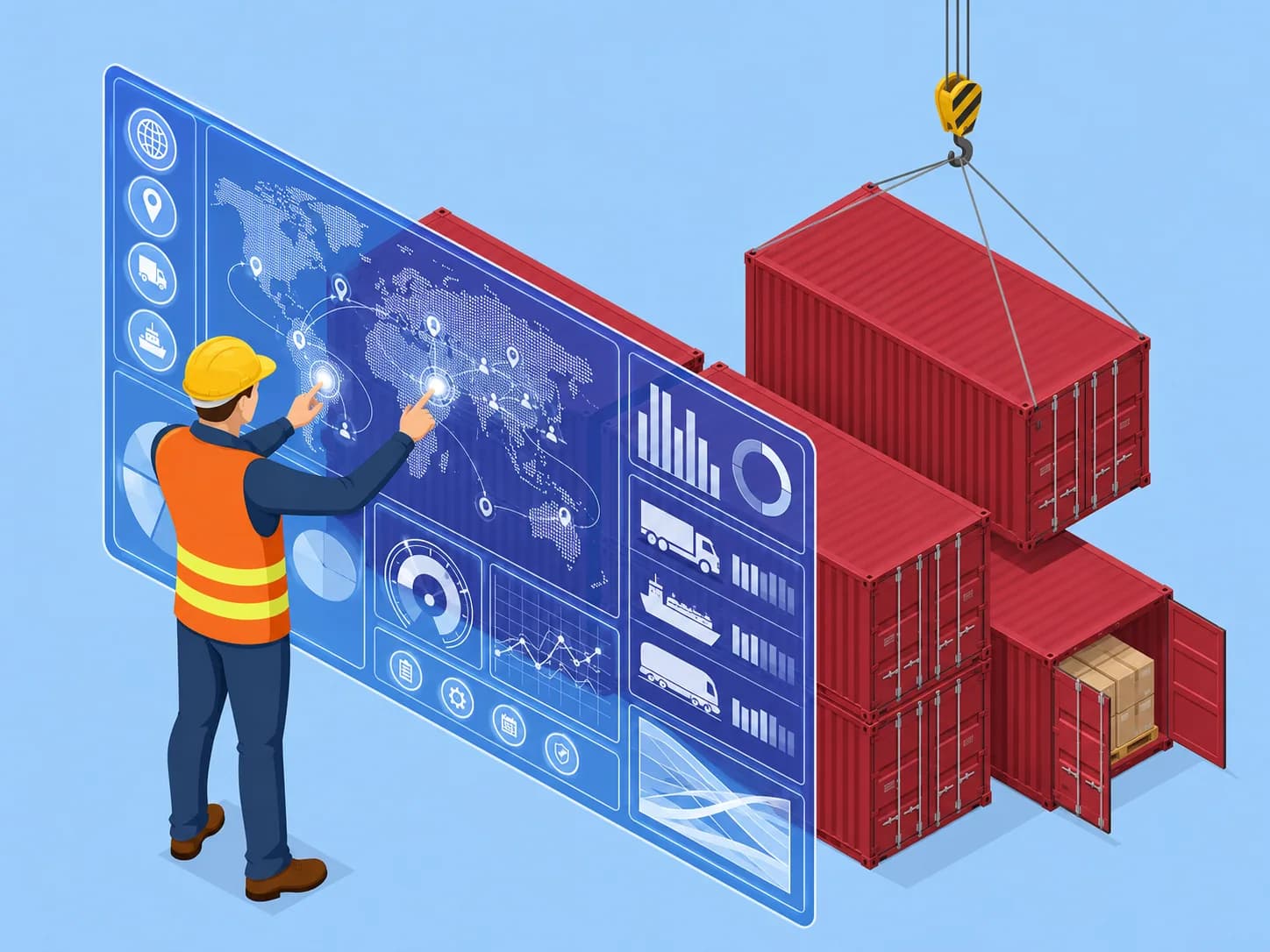
For freight forwarding operations, the dashboard should show job orders, shipments, services, booking data, shipment volume, invoices, receivables, payables, spending requests, revenue, costs, profit by job or shipment, customer performance, route performance, and reports.
Job Order, Shipment, and Service Visibility
A freight forwarding dashboard should help managers review job order status, shipment status, service workload, booking progress, ocean freight activity, air freight activity, and pending operational files. Shipment status alone is not enough. The dashboard should also show whether cost, invoice, service, and accounting records are ready.
Forwarding Cost, Invoice, and Profit Review
Accounting data in freight forwarding should connect invoices, receivables, payables, spending requests, revenue, costs, and profit with the correct job order, shipment, service, customer, vendor, or route. This helps managers review financial performance by file instead of only seeing total numbers.
Apollogix FMS Dashboard and Accounting View
Apollogix FMS supports customer management, ocean freight, air freight, services, sales, job orders, pricing, accounting, spending requests, dashboard, and reports. This helps freight forwarding teams connect operational records with invoices, receivables, payables, debt tracking, revenue, costs, spending requests, and profit reports.
How Should Accounting Data Be Read on the Dashboard?
Accounting data should be read as the financial status of operational work, not as a separate finance report only.
Read Revenue with Job Context
Revenue should be reviewed together with the job, shipment, service, or trip that created it. This helps management understand which customer, route, service type, or operation generated the revenue.
Read Costs with Operational Source
Costs should be traceable to the operational source. A cost may come from a transport trip, carrier charge, service item, vendor invoice, customs-related service, handling activity, repair item, or overhead item. Without source data, cost review becomes slower.
Read Receivables and Payables with Workflow Status
Accounts receivable and accounts payable should be reviewed together with workflow status. A receivable may be delayed because the invoice is not ready. A payable may need review because the vendor cost is missing job context. A connected dashboard helps teams see the next action.
What Should Leaders Check Before Choosing This Dashboard?
Leaders should check whether the dashboard connects operational records and accounting records clearly.
Check Data Connection
The dashboard should connect jobs, shipments, trips, services, invoices, costs, receivables, payables, and reports. If teams still need to copy data between separate files, the dashboard is not connected enough.
Check Billing Readiness
The dashboard should show whether completed jobs, trips, or shipments are ready for invoicing. Billing readiness may depend on cost confirmation, proof of delivery, service completion, supporting documents, and customer approval.
Check Financial Traceability
Revenue, costs, invoices, receivables, payables, and payment requests should be traceable back to the right operational file. This is important for profit review.
Check Reporting Quality
Reports should help management review operations, finance, workload, pending files, billing readiness, cost pressure, revenue, profit, and exceptions without manual report rebuilding.
When Does a Logistics Company Need This Dashboard?
A logistics company needs an integrated accounting dashboard when operations and accounting no longer share the same working record.
Billing Is Delayed After Completion
If trips, jobs, or shipments are completed but invoices are still delayed, the company needs better connection between operations and accounting.
Managers Cannot See Profit Clearly
If revenue and cost data are stored in separate files, management may not trust job-level profit reports.
Finance Needs Too Much Manual Follow-Up
If finance must ask operations for job context, cost confirmation, supporting documents, or invoice details repeatedly, the dashboard should connect workflow status more clearly.
Reports Take Too Long to Prepare
If reports require manual consolidation from several departments, the company needs a structured dashboard and reporting workflow.