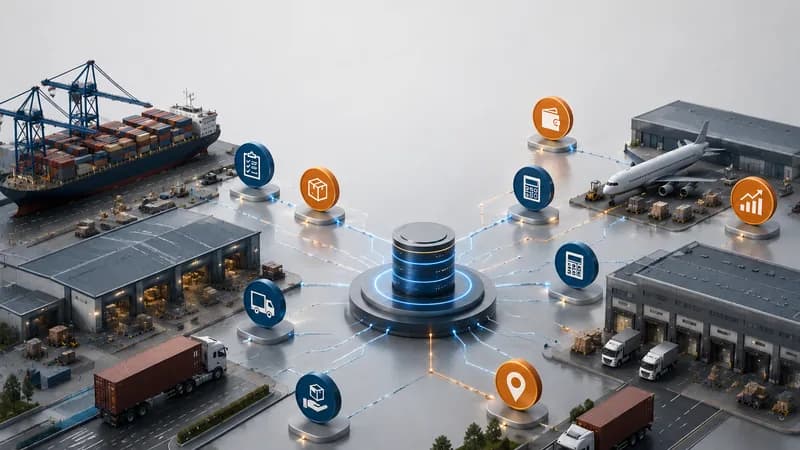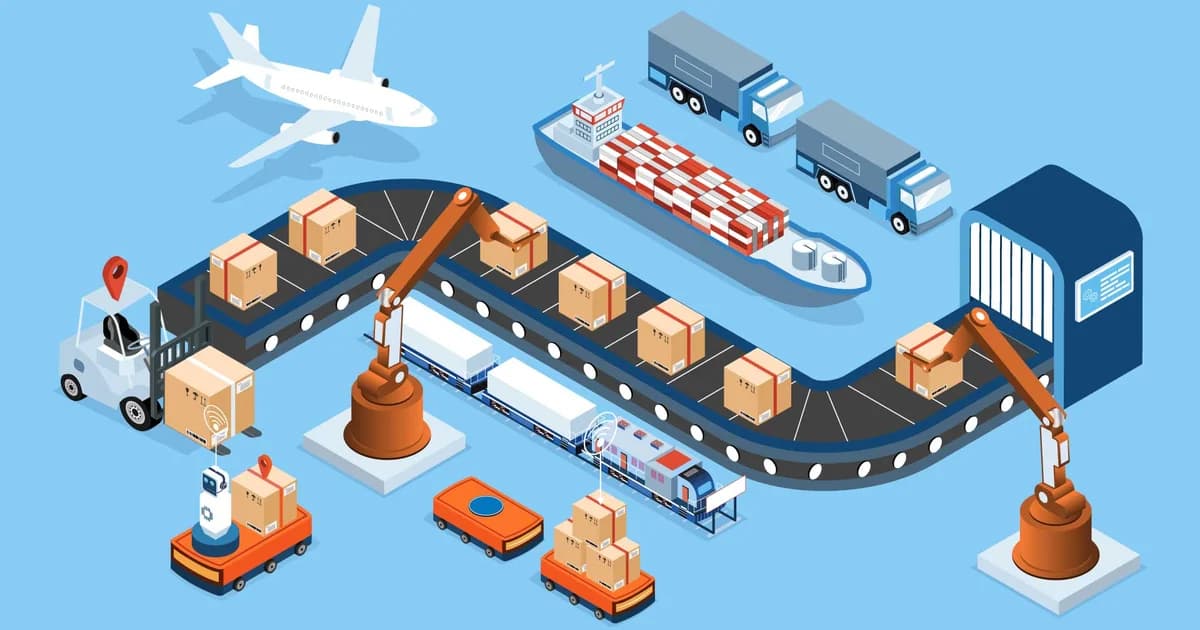
A logistics workflow efficiency report helps logistics companies review how daily work moves across operations, transport, freight forwarding, accounting, dashboard, and reporting workflows. It should not be a generic productivity report. A useful report should show which jobs are moving, which shipments are waiting, which trips are delayed, which costs are not confirmed, which invoices are not ready, and which teams need to take action. In logistics operations, workflow efficiency depends on both operational progress and financial readiness. If these data points are disconnected, management may see completed work but still miss delayed billing, missing costs, weak handover, and reporting gaps.
What Is a Logistics Workflow Efficiency Report?
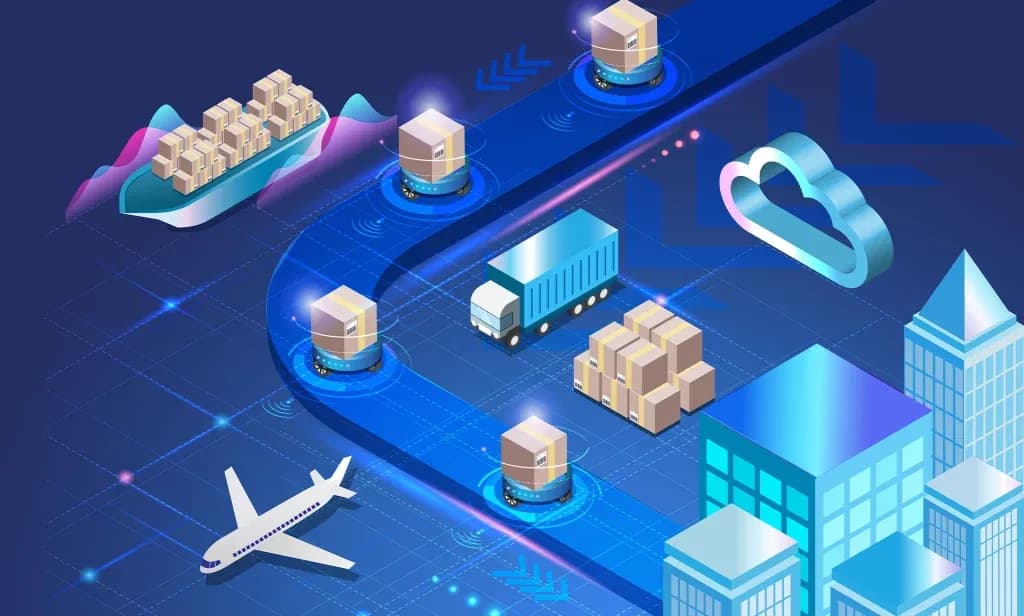
A logistics workflow efficiency report is a management report that helps teams review how logistics work moves from customer request to execution, financial follow-up, and reporting.
Workflow Efficiency in Daily Logistics Operations
Workflow efficiency in logistics is about how cleanly work moves between teams. A transport job may start with customer service, move to dispatch, continue with driver updates, then pass to accounting for cost and billing review. A freight forwarding file may start with sales, move to operations, continue through shipment and service execution, then pass to accounting for invoice and cost control.
The report should show whether each step is moving normally or waiting for missing information.
Why the Report Should Connect Operations and Finance
A logistics workflow is not complete only because cargo has moved or a delivery has finished. The work also needs complete cost records, invoice readiness, receivable records, payable records, and management reports.
This is why a workflow efficiency report should connect operational records with financial records. It helps leaders see not only what has been done, but also what is still waiting before the file can be closed properly.
Why Do Logistics Teams Need Workflow Efficiency Reports?
Logistics teams need workflow efficiency reports because manual updates create blind spots between departments and make it difficult to see where work is stuck.
Manual Updates Create Reporting Gaps
Many logistics teams still rely on spreadsheets, phone calls, email threads, and chat messages to manage daily updates. This creates reporting gaps because each department may hold only part of the information.
Operations may know that a shipment is completed. Dispatch may know that a trip is finished. Drivers may know that delivery is done. Accounting may still be waiting for proof of delivery, cost confirmation, or invoice details. Management may not see the issue until the month-end report takes too long to prepare.
Workflow Reports Improve Handover Control
A workflow efficiency report helps teams review handover status between sales, operations, dispatch, documentation, transport coordination, drivers, workshop, and accounting.
The report should show open work, pending tasks, delayed files, missing documents, unconfirmed costs, pending invoices, and unresolved exceptions. This helps teams follow up from recorded data instead of relying on memory or manual reminders.
Managers Need Visibility Across the Full Process
Managers need to see the full workflow from request to reporting. A completed job count is not enough. Leaders also need to know which files are delayed, which costs are missing, which invoices are not issued, which payments are pending, and which reports are incomplete.
This gives management a clearer view of operating performance and financial readiness.
What Should the Report Track in Transport Operations?
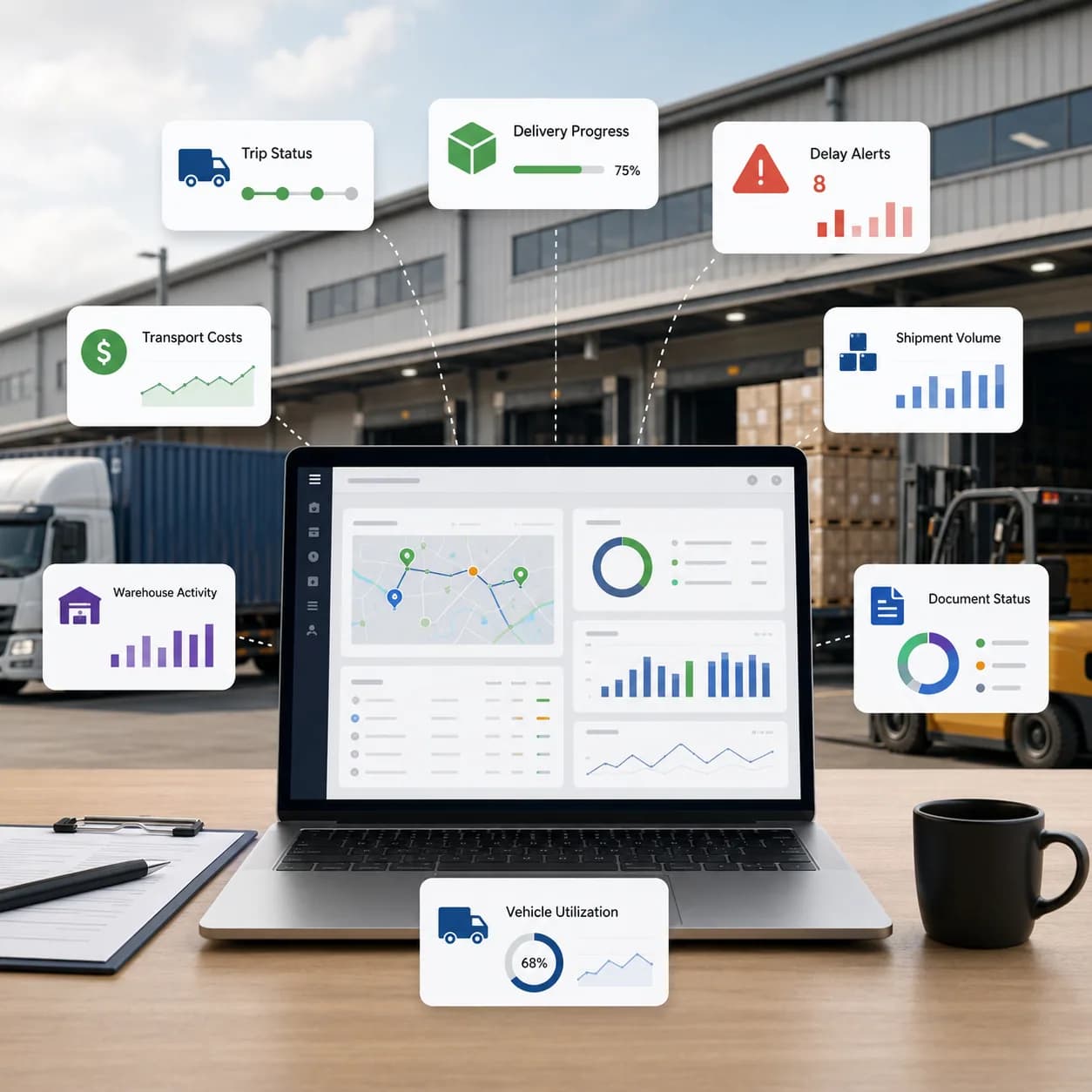
In transport operations, the report should track transport jobs, trips, drivers, vehicles, trailers, delivery status, waiting time, proof of delivery, costs, invoices, receivables, payables, and exceptions.
Job and Trip Progress
A transport workflow efficiency report should show how transport jobs and trips move through daily execution. Useful indicators may include new jobs, planned jobs, active trips, completed trips, delayed trips, cancelled trips, and failed trips.
This helps operations teams understand which work is moving and which work needs attention.
Driver and Equipment Readiness
Driver and equipment data should be part of the report because transport execution depends on people and assets. The report should help management review driver workload, driver updates, vehicle availability, trailer readiness, faulty reports, and maintenance-related status.
If a vehicle or trailer is not ready, a planned trip may be delayed even when the job itself looks complete in the office.
Waiting Time and Proof of Delivery
Waiting time and proof of delivery are important workflow indicators. Waiting time may affect cost, customer billing, and service quality. Proof of delivery affects customer confirmation, invoice readiness, and dispute handling.
A delivery may be physically completed but still not ready for billing if proof of delivery has not been recorded.
Transport Accounting Status
Transport accounting data should show whether costs, extra charges, invoices, receivables, payables, and payment records are connected with the correct job or trip.
This helps management review whether completed transport work has moved into financial follow-up properly.
What Should the Report Track in Freight Forwarding Operations?
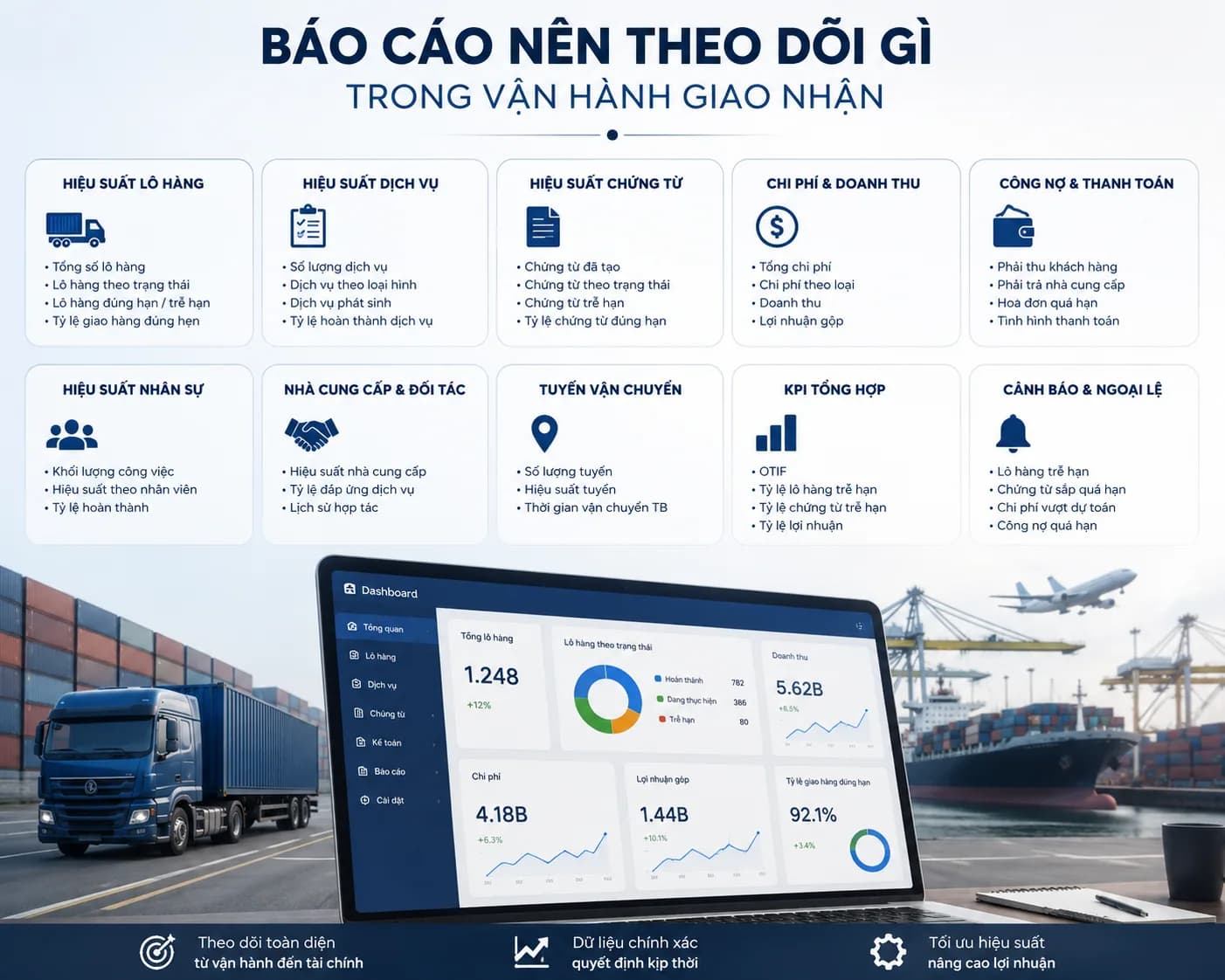
In freight forwarding operations, the report should track job orders, shipments, bookings, services, documents, costs, invoices, receivables, payables, spending requests, revenue, cost, profit, and exceptions.
Job Order and Shipment Status
A job order connects commercial work with operational execution and accounting records. A workflow efficiency report should show whether job orders, shipments, bookings, and services are still in draft, active, pending, completed, or blocked.
Shipment status alone is not enough. The report should also show whether related service tasks, cost records, and invoice records are ready.
Service and Document Progress
Freight forwarding work often includes services such as customs-related work, inland transport, warehouse handling, documentation, delivery coordination, and other value-added services.
If these service tasks are not tracked clearly, the shipment may appear active or completed while important work is still unfinished. Document readiness should also be visible because missing documents can delay billing and customer updates.
Cost, Invoice, and Profit Review
Freight forwarding workflow efficiency should include financial readiness. The report should help teams review revenue, cost, invoices, receivables, payables, spending requests, and profit by job or shipment.
This helps management understand whether the file is operationally complete and financially ready.
Reporting by Customer, Route, and Team
Management should be able to review workflow efficiency by customer, route, sales owner, service type, shipment type, and team workload.
This helps leaders identify where work is moving smoothly and where the business needs process improvement.
How Does Apollogix Support Workflow Efficiency Reporting?
Apollogix supports workflow efficiency reporting through connected TMS and FMS workflows for operations, accounting, dashboard, and reporting.
Workflow Reporting in Apollogix TMS
Apollogix TMS supports transport jobs, operations, driver updates, equipment management, accounting, dashboard, and reporting.
This helps transport teams review jobs, containers, trips, drivers, vehicles, trailers, waiting time, proof of delivery, costs, invoices, receivables, payables, and operational exceptions from connected transport data.
Workflow Reporting in Apollogix FMS
Apollogix FMS supports customer management, ocean freight, air freight, services, sales, job orders, pricing, accounting, spending requests, dashboard, and reporting.
This helps freight forwarding teams review shipments, job orders, services, customer activity, route performance, cost readiness, billing readiness, revenue, cost, profit, and exceptions.
Dashboard and Reporting for Management
Dashboard and reporting help management review operational and financial data in one structure. Instead of rebuilding reports manually, leaders can review workload, pending files, completed work, delayed work, billing readiness, and profitability from data recorded in daily workflows.
What Should Leaders Check Before Using This Report?
Leaders should check whether the report reflects real workflow movement across departments, not only total volume.
Check Workflow Status
The report should show whether each file is new, active, pending, completed, delayed, blocked, cancelled, or waiting for review.
Check Handover Points
The report should show where handover happens between teams. This may include sales to operations, operations to dispatch, dispatch to drivers, operations to accounting, or service teams to finance.
Check Billing Readiness
The report should show whether completed work has enough cost data, proof of delivery, service confirmation, invoice records, receivables, and payables.
Check Exception Visibility
The report should highlight delayed files, missing documents, pending costs, blocked invoices, unresolved service tasks, failed trips, long waiting time, and incomplete records.
When Does a Company Need This Report?
A company needs a logistics workflow efficiency report when daily operations, team handover, accounting follow-up, and management reporting become difficult to control manually.
Teams Spend Too Much Time Asking for Updates
If teams need to ask each other for every job, shipment, trip, cost, or invoice update, the workflow is not visible enough.
Reports Take Too Long to Prepare
If management reports require manual consolidation from several spreadsheets or departments, the company needs a structured reporting workflow.
Billing Is Delayed After Completion
If jobs, trips, or shipments are completed but invoices are still delayed, workflow efficiency should be reviewed from operations to accounting.
Management Cannot See Bottlenecks Clearly
If leaders cannot see where files are stuck, which teams are overloaded, or which records are incomplete, workflow efficiency reporting becomes necessary.